
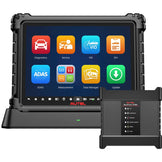
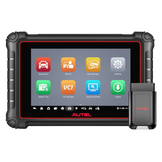

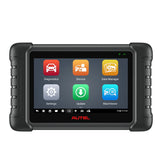

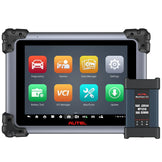
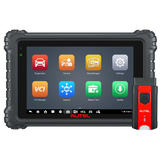
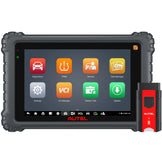


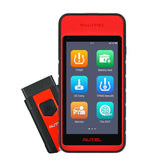


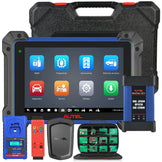
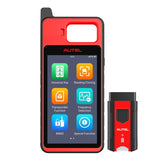
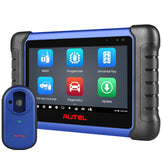
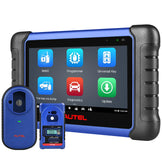
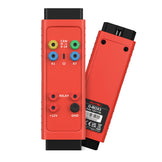

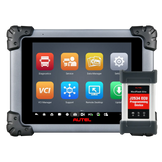
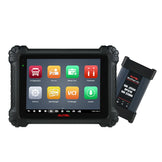
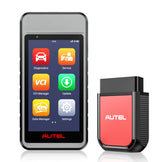
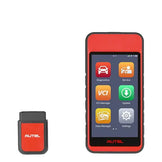
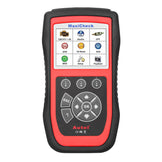
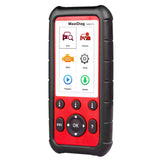


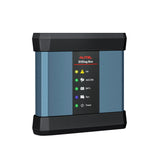

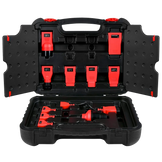
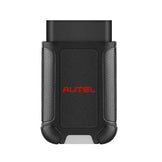
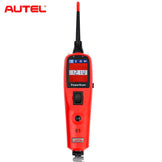
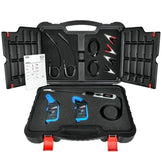

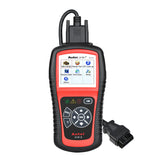
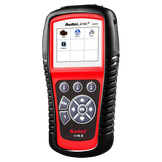
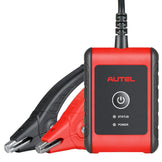
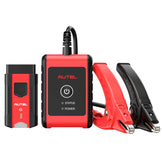
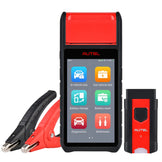


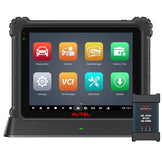


As an Autel tool user, a top frustration is buying the wrong 1-year software update service—because every Autel device model has its own exclusive update link. Mixing links between models (e.g., using an MX808 link for an MK808) will result in the update failing to activate. To fix this, we’ve created a detailed table that maps each specific model to its matching update service link. Just locate your device’s series first, then click the model name to access the correct service—no more guesswork!
Autel 1-Year Software Update Service: Model-to-Link Direct Match
According to your device's series, directly click the model name to jump to the corresponding software update service purchase link:
| Product Series | 1-Year Software Update Service for Exact Device Model |
|---|---|
| MaxiCheck (MX) Series | MX808 |
| MX808S | |
| MX808TS | |
| MX808S-TS | |
| MX900 | |
| MX900TS | |
| MaxiCOM (MK) Series | MK808 |
| MK808S | |
| MK808Z | |
| MK808Z-BT | |
| MK808BT | |
| MK808K-BT | |
| MK808BT PRO | |
| MK808TS | |
| MK808S-TS | |
| MK900BT | |
| MK900TS | |
| MK906BT | |
| MK906S PRO | |
| MK906 PRO-TS | |
| MK906S PRO-TS | |
| MK908 | |
| MK908 PRO | |
| MK908 II | |
| MK908 PRO II | |
| Ultra Lite | |
| Ultra Lite S | |
| MaxiSys (MS) Series | MS906 |
| MS906 PRO | |
| MS906MAX | |
| MS906BT | |
| MS906TS | |
| MS906 PRO-TS | |
| MS906 CV | |
| MS908 / MS908S / MaxiSys | |
| MS908 Pro / MaxiSys Pro | |
| MS908 CV / MaxiSys CV | |
| MS908CV II | |
| MS908S Pro | |
| MS908S Pro II | |
| MS909 | |
| MS909CV | |
| MS909EV | |
| MS919 | |
| Ultra | |
| Ultra S2 | |
| Ultra EV | |
| Elite | |
| Elite II | |
| Elite II Pro | |
| MaxiPRO (MP) Series | MP808 |
| MP808S | |
| MP808S Kit | |
| MP808S-TS | |
| MP808Z-TS | |
| MP808TS | |
| MP808BT | |
| MP808BT Pro | |
| MP900 | |
| MP900BT | |
| MP900BT KIT | |
| MP900TS | |
| MaxiIM (IM) Series | IM508S |
| IM608 | |
| IM608 Pro | |
| IM608 S II | |
| MaxiTPMS (TS) Series | TS608 |
| TS900 | |
| ITS600 / ITS600 Pro | |
| MaxiDAS (DS) Series | DS808 |
| DS808BT | |
| DS808S-BT | |
| DS808TS | |
| DS808S-TS |
Critical Reminder: Never Mix Update Links!
Why one model = one link? Autel’s update system binds the service to your device’s unique Serial Number (S/N) and model. If you buy an update link for a different model:
- Your device will reject the activation code;
- You’ll waste time re-purchasing the correct service;
- You may need to pay the price difference.
Why You Need Official Autel 1-Year Updates
Every new Autel device includes 1–2 years of free updates. After expiration, renewing keeps your tool effective:
- Latest Vehicle Coverage: Diagnose newest models from 150+ brands (old software misses new makes/models);
- New Functions Unlocked: Get advanced diagnostic features;
- Bug Fixes & Accuracy: Update fault code databases (7,000+ DTCs) to avoid misdiagnoses and tool glitches.
How to Activate After Purchase (3 Steps)
- Buy the update service via your model’s exclusive link (table above);
- Find your device’s S/N (the 12-digit alphanumeric combination below the barcode on the device) and email it to sales@auteldealer.com;
- Our team will authorize the update within 24 hours.
Can’t Find Your Model? We’ll Help (With Discounts!)
If your device model isn’t in the table, or you’re unsure about the exact model:
Do this: Take a clear photo of your device’s S/N (the 12-digit alphanumeric combination below the barcode on the device), then send it to sales@auteldealer.com. We’ll:
- Send you the exact update link for your device;
- Provide an exclusive discount code for the update service;
- Answer any questions about update timelines or features.