









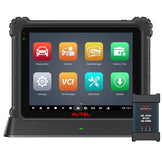


1. Applicable Scope:
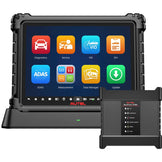
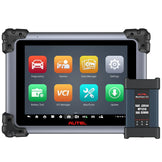
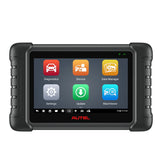
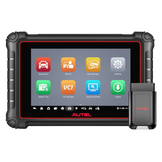
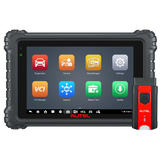
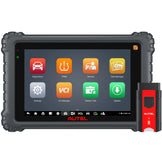
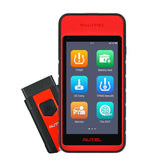
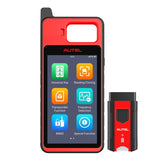
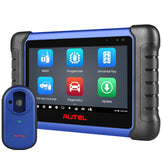
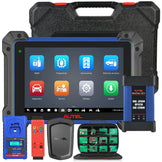
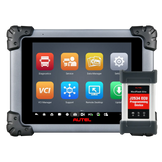
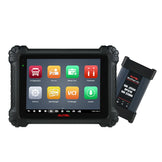
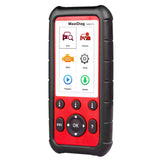
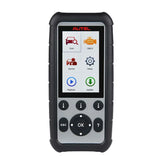
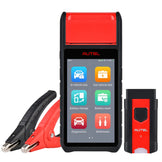
These instructions apply only to 64-bit devices, like KM100(X), IM508S and IM608Pro II.
The procedure is intended for devices where the user forgot the screen lock password and did not back up to the cloud.
Enter the autel ID that linked to the device.
2. Operation Steps:
Step 1: Long press the magnifying glass icon in the lower-left corner of the lock screen, then drag it to the upper-right corner (follow the on-screen prompt: "Swipe from icon for security reset").
Step 2: Enter the email address associated with your Autel ID to receive the verification code.
Step 3: Enter the verification code to unlock the device and reset the password.
Note: If you can't receive the verification code for your Autel ID, please contact your seller for after-sales support and ask them to assist you with the reset process.